Rock-Paper-Scissors
Description
A compact, well-structured C++ console application that implements the classic Rock-Paper-Scissors game. The program allows a human player to compete against a computer opponent over a user-specified number of rounds. It validates input, shows round-by-round outcomes, changes console color to reflect the winner, and displays a final scoreboard with an overall winner. Clean, single-file code that demonstrates solid fundamentals in C++ program design and user interaction.
Technologies Used
- Language: C++ (ISO C++)
- Standard Libraries:
<iostream>,<cstdlib> - Platform-specific calls:
system("cls"),system("color")for Windows console. - Core concepts demonstrated: enums, structs, functions, random number generation, input validation, control flow.
Functionality / Features
- Configurable match length: Player chooses how many rounds to play (1 to 10).
- Player vs Computer: Player inputs their choice each round; computer picks randomly.
- Input validation: All inputs (number of rounds, move choice, play-again) are validated with do/while loops to ensure correct values.
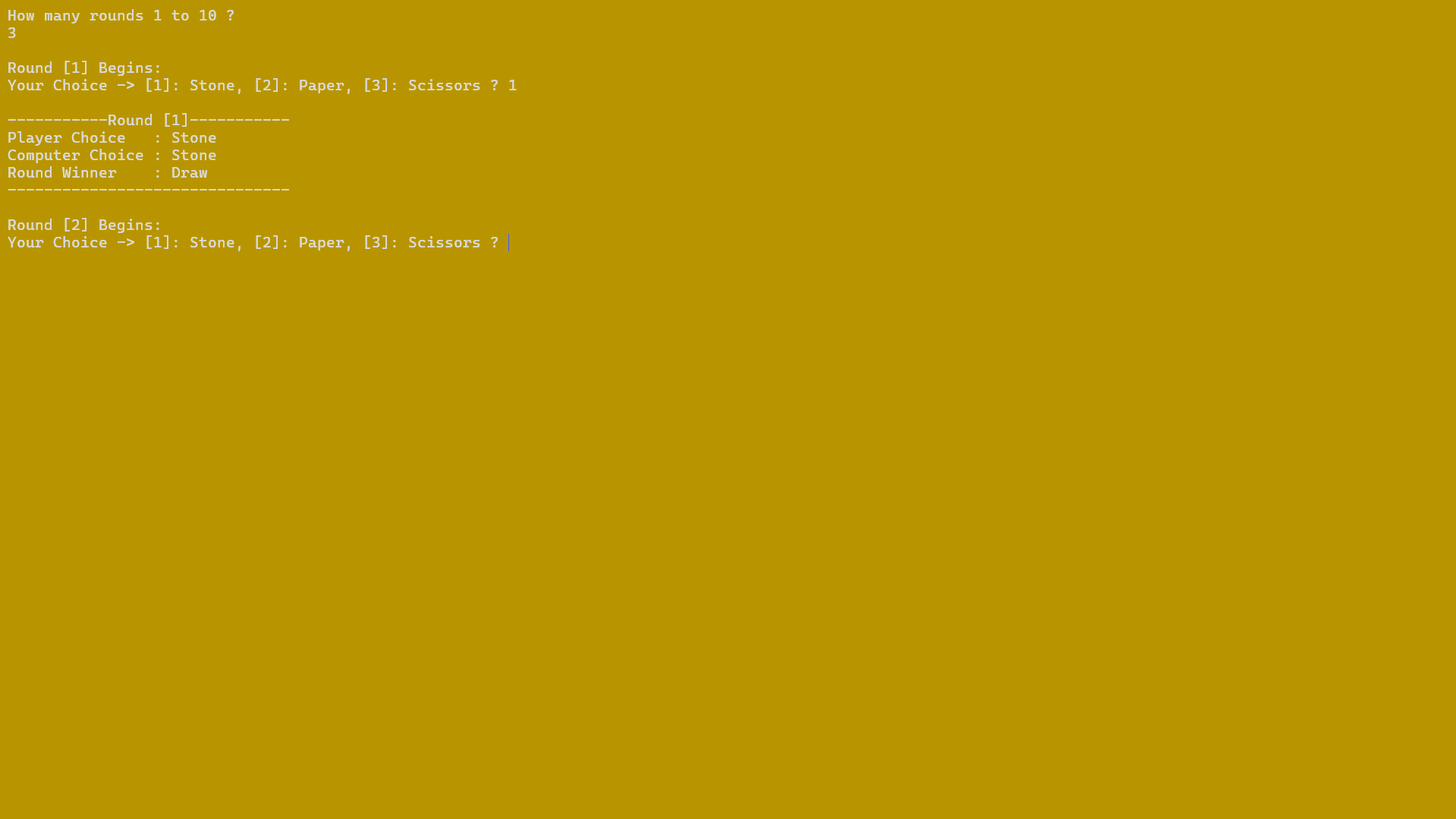
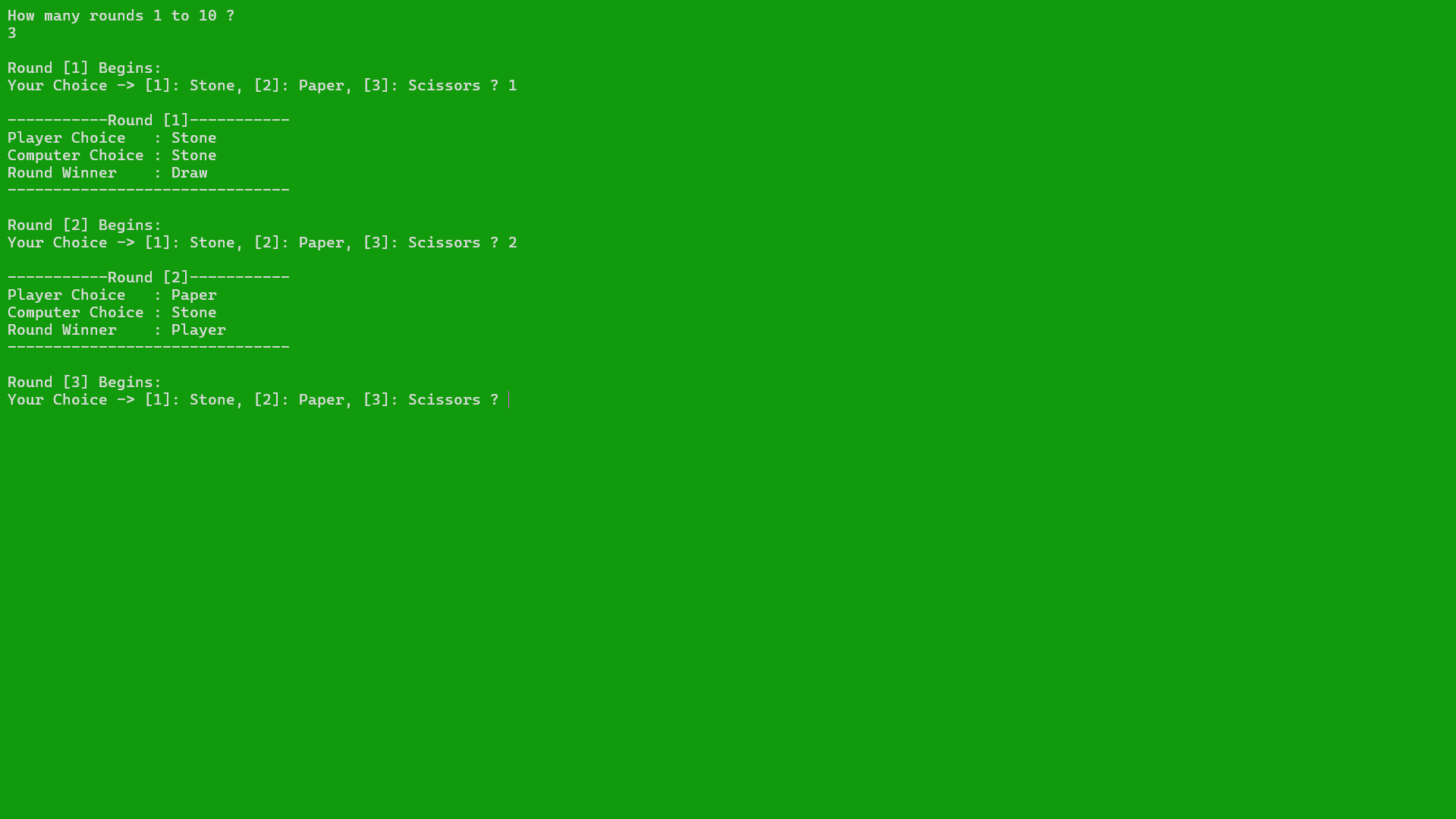
- Round summary: After each round the application prints:
- Round number
- Player choice and computer choice
- Round winner
- Visual & auditory feedback: Console color changes depending on who won the round; the computer win produces a beep for emphasis.
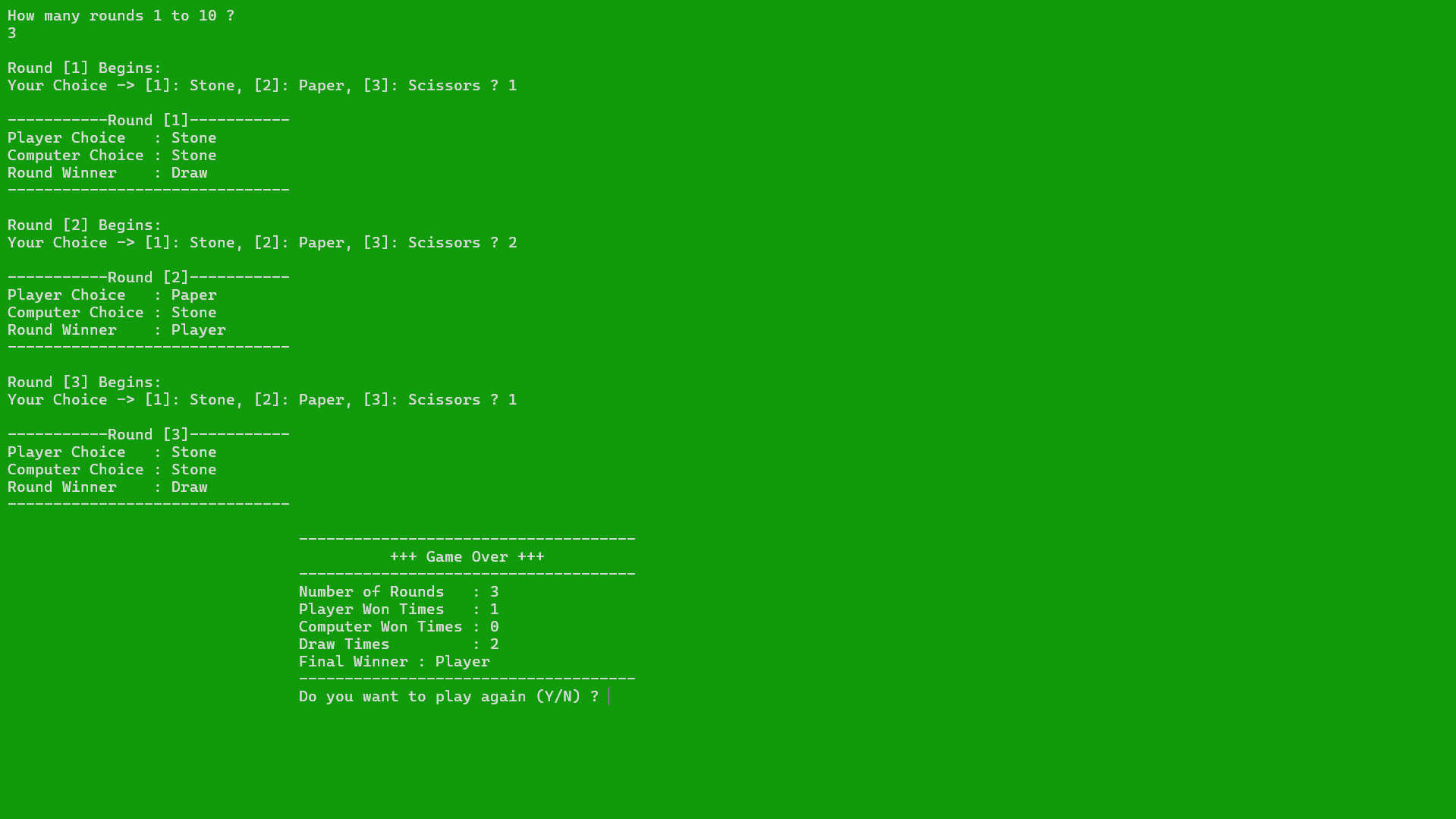
- Final scoreboard: After all rounds, a neatly formatted summary shows rounds played, player wins, computer wins, draws, and the final winner.
- Replay loop: Player can choose to play again without restarting the program.
Implementation Highlights
- Clear domain modeling with enums and structs
enGameChoiceandenWinnerenumerate the domain (Stone/Paper/Scissors and winner states) — makes code self-documenting and reduces magic numbers.stRoundInfoandstGameResultsgroup related data (round state and final results), improving readability and maintainability.
- Separation of concerns
- Function-per-responsibility approach: input reading (
readPlayerChoice,askHowManyRounds), RNG (genRndNum,getComputerChoice). - game logic:
getRoundWinner. - presentation:
printRoundInfo&printFinalGameResults. - Flow control:
playGame/startGameare split into small, focused functions. This simplifies testing and future changes.
- Function-per-responsibility approach: input reading (
- Simple, correct game logic
getRoundWinneruses direct comparisons with a safe default return (user wins) and explicit checks for computer-winning cases — logic is easy to follow and extend.
- User-friendly presentation
getChoiceName/getWinnerNamemap enum values to human-readable strings, ensuring UI strings are centrally defined and consistent.tabs()helper produces aligned output for the final scoreboard.
- Randomness & seeding
- Uses
srand((unsigned) time(NULL))andrand()for quick pseudo-random choices. Simple and sufficient for a console game.
- Uses
- Platform-aware behavior
- Console-clearing and color manipulation use
system()calls (cls,color), which provide an immediate visual polish on Windows terminals.
- Console-clearing and color manipulation use
Conclusion
- This project shows practical mastery of C++ basics: enums, structs, functions, I/O, and control flow.
- Demonstrates thoughtful code organization in a single-file project — easy to read, extend, and refactor into a multi-file project later.
- Includes user-facing polish (input validation, colored feedback, round summaries) that shows attention to user experience even in CLI tools.
- A perfect small project to illustrate progression from procedural logic to cleaner, structured design — ideal talking points for interviews.
Screenshots
×
![]()
Try the Project
You can download the executable file from here.
Since this application is not digitally signed by a recognized publisher, your system may display a warning before running it. You can safely ignore it and continue.
Source Code
You can find the source code here.